What is Inkscape
and why should you use it?
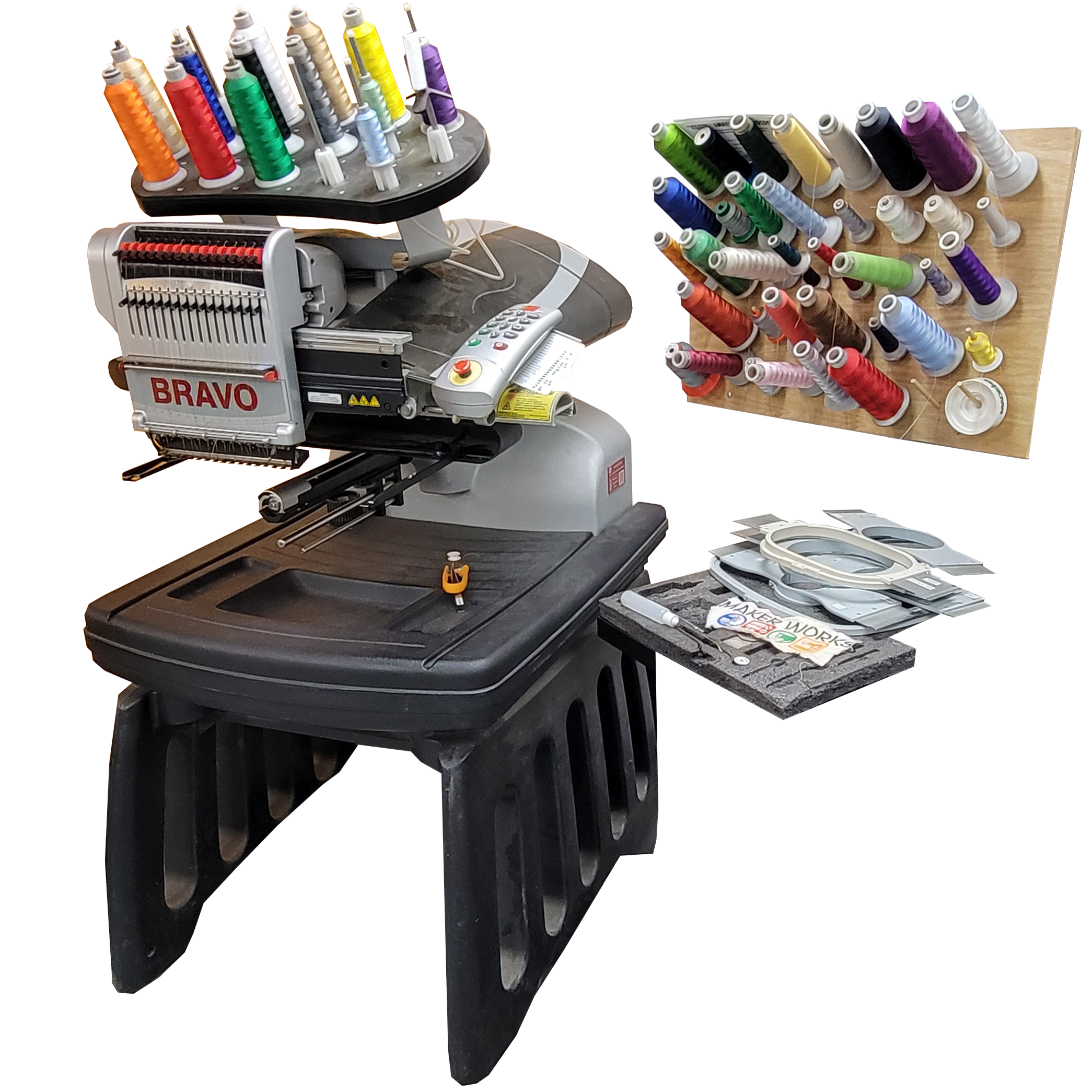
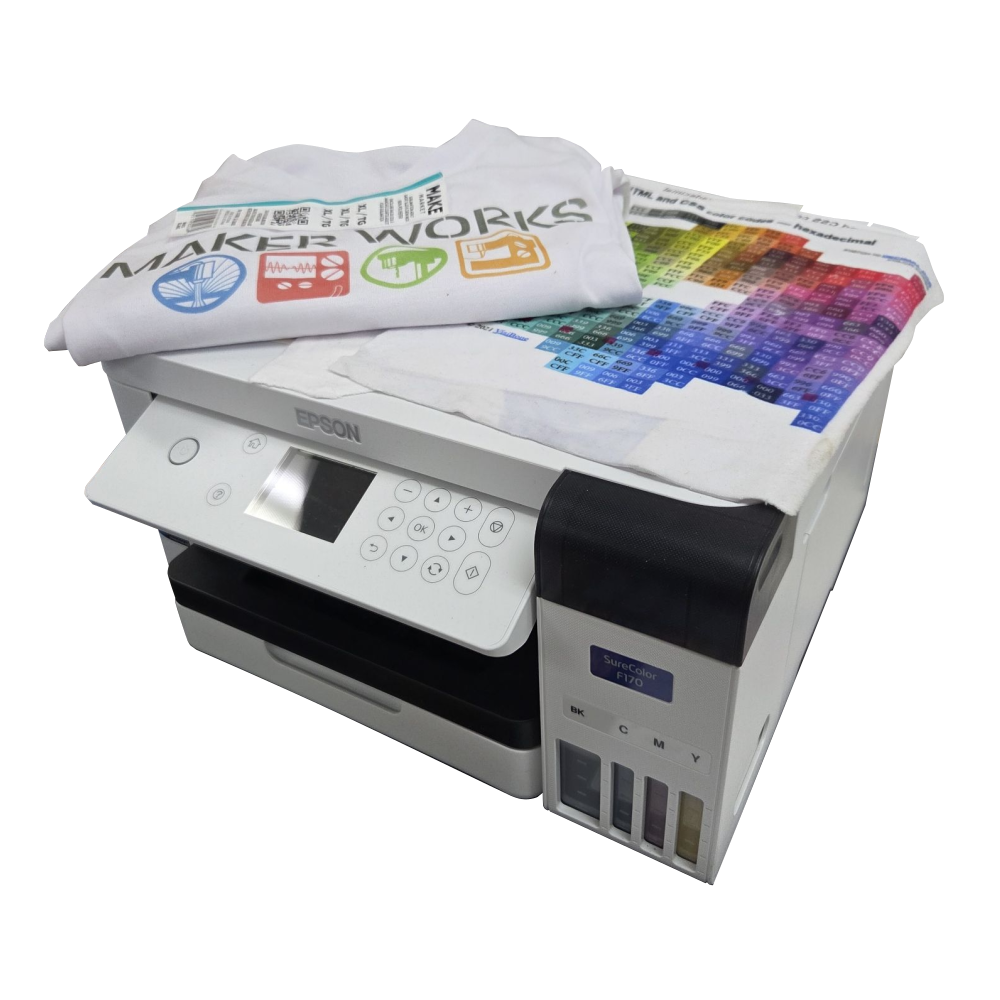
Items made at Maker Works, using Inkscape & CNC machines:
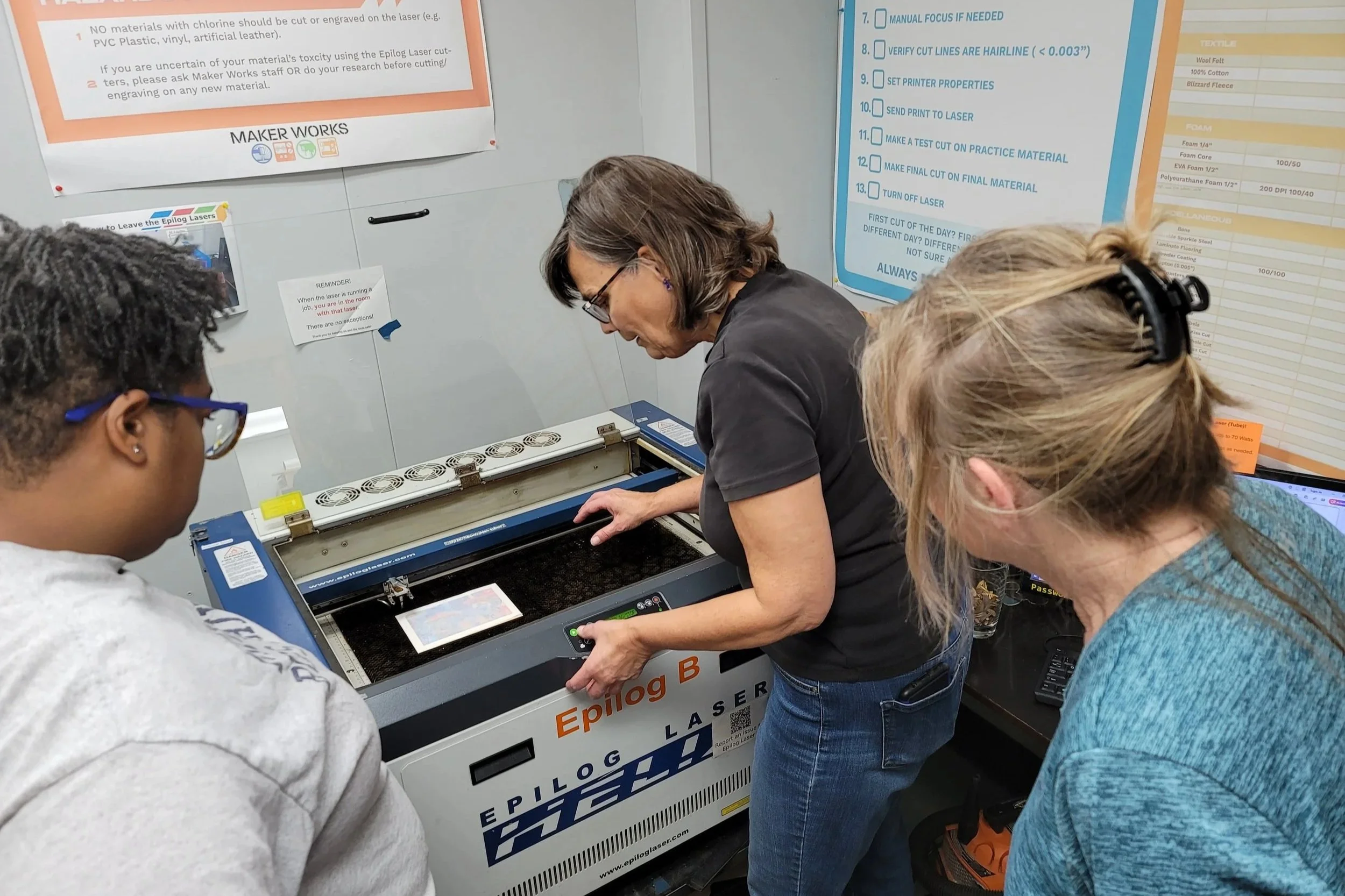

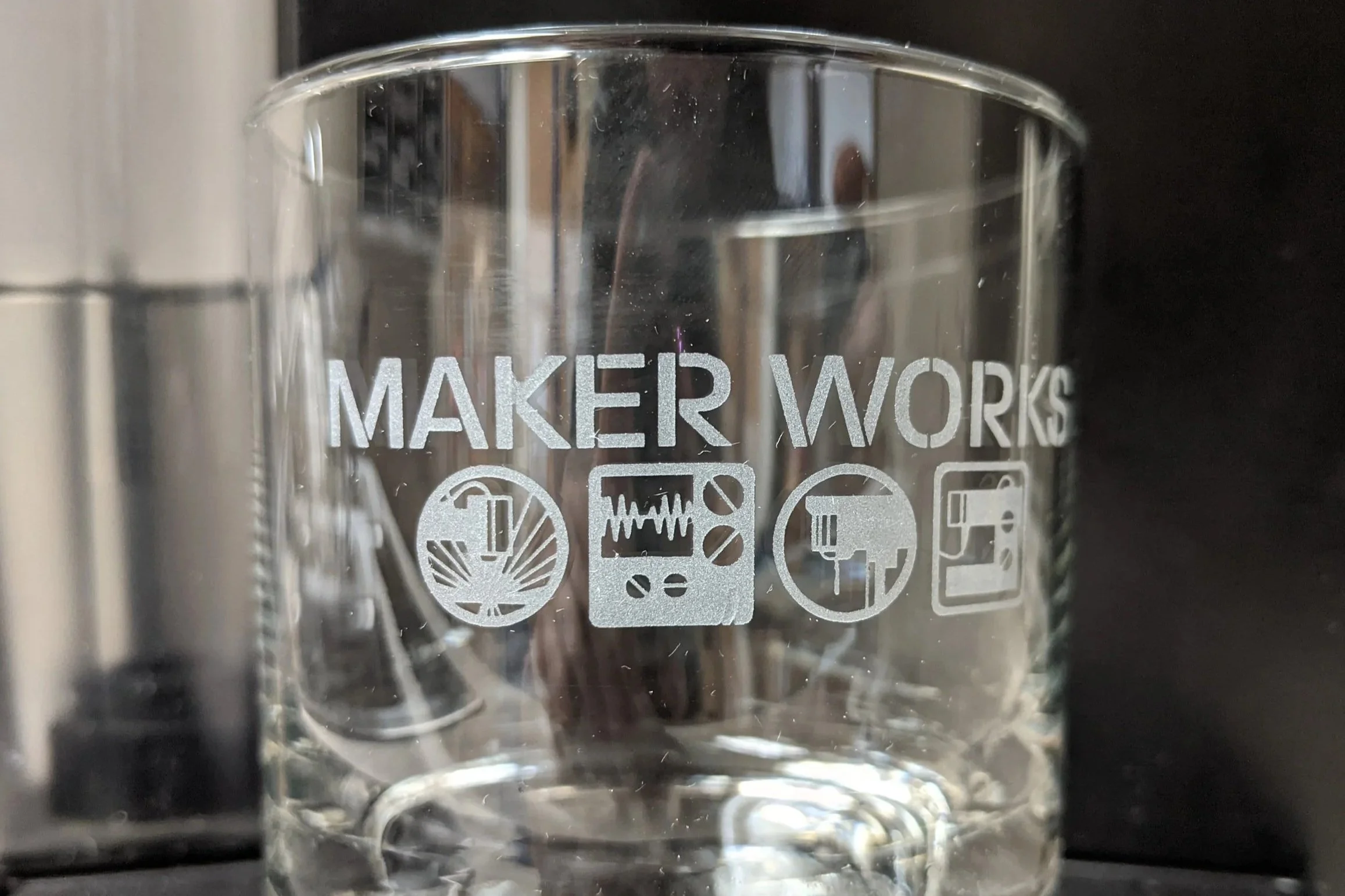
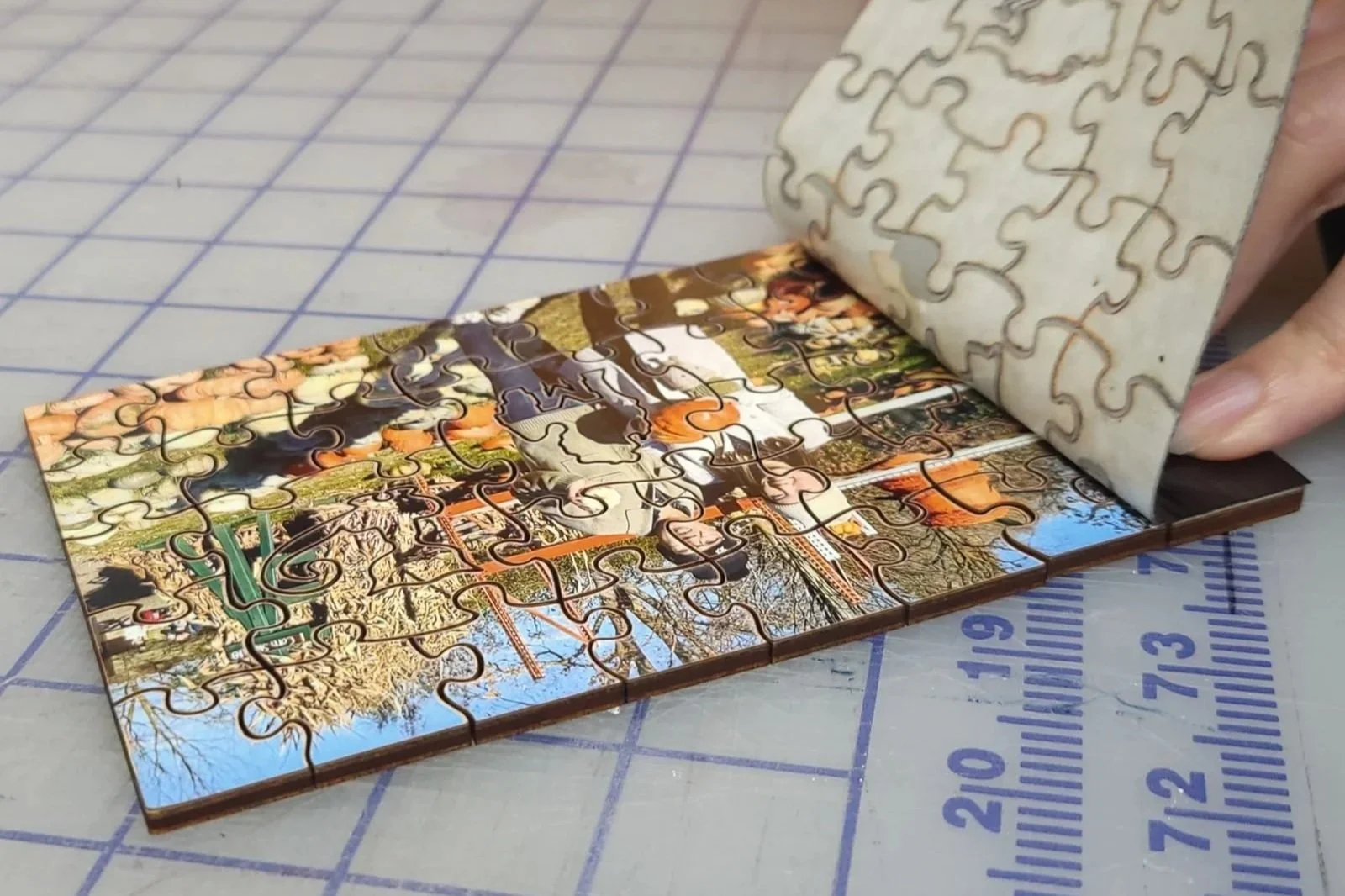
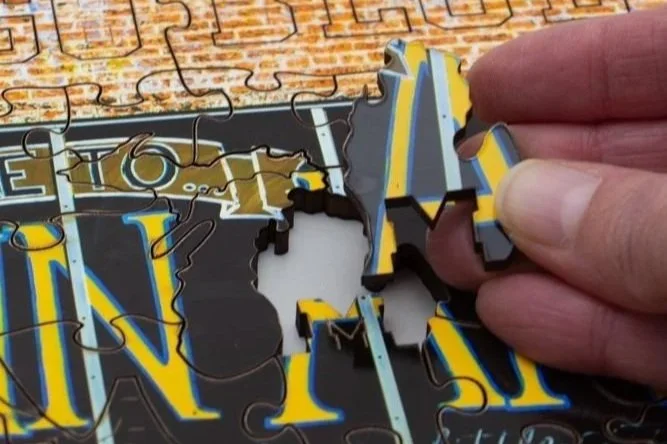

How do I use a CNC machine at Maker Works?
There are two parts to using any CNC machine:
1) Creating a design for the machine to execute
This is the part we don’t deeply cover in Tool Training classes. Your design does not have to be originally created in software (it can be drawn on paper), but at some point it does need to pass through a vector illustration software (like Inkscape).
2) Pressing buttons on the machine so it properly executes your design
You’re not that different from a CNC machine — if someone hands you a picture of a destination and says “Go there”, your first thought will be: “How do I do that? I don’t know where this place is! It sure would be nice if they gave me step-by-step directions instead.”
Why do CNC machines need a special kind of file?
When you take a photo, your camera records a grid of colored dots (pixels). Zoom in far enough and you’ll start seeing blurriness. CNC machines can’t work with that!
CNC machines need a file that describes shapes as coordinates and paths, so they can understand exactly where you want them to go.
This kind of “mathematic” file is called a vector file. Inkscape is our vector illustration program of choice.